
Features
An overview of what Eventum can do — from Jinja2 templates and flexible scheduling to multiple outputs and a built-in web UI.
Eventum packs a wide range of capabilities into a single tool. This page gives you a bird's-eye view of the major features so you know what's available before diving into the details.
Jinja2 template engine
The primary way to define events in Eventum is through Jinja2 templates. Every template has access to a rich set of context variables including the event timestamp, data generation libraries, parameters, sample datasets, and persistent state.
{{ timestamp.strftime('%d/%b/%Y:%H:%M:%S %z') }} {{ module.faker.locale.en.ipv4() }} - {{ module.faker.locale.en.user_name() }} "GET /{{ module.faker.locale.en.uri_path() }} HTTP/1.1" {{ module.rand.weighted_choice([200, 301, 404, 500], [85, 5, 8, 2]) }} {{ module.rand.number.integer(200, 15000) }}Built-in data libraries make templates realistic out of the box:
- Faker — names, addresses, emails, IPs, user agents, credit cards, and hundreds of other providers across 70+ locales.
- Mimesis — high-performance alternative with locale-aware data for people, addresses, dates, networking, and more.
- rand — lightweight helper for random choices, weighted selection, numbers (integer, float, gaussian), and string generation (hex, digits, letters).
Templates also support persistent state — locals for per-template state, shared for cross-template state within a generator, and globals for state shared across all generators. This lets you build stateful sequences like user sessions or correlated event chains.
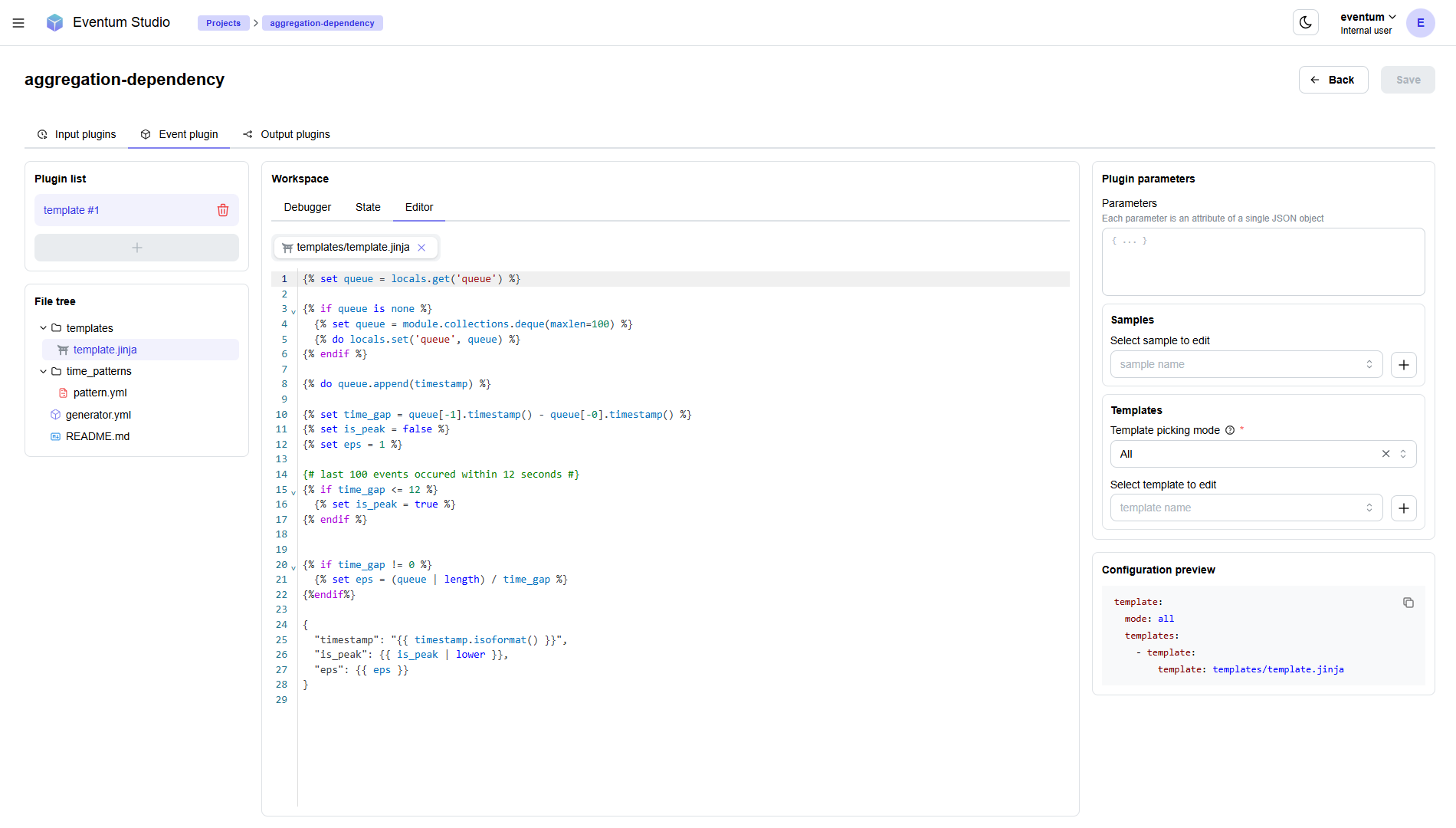
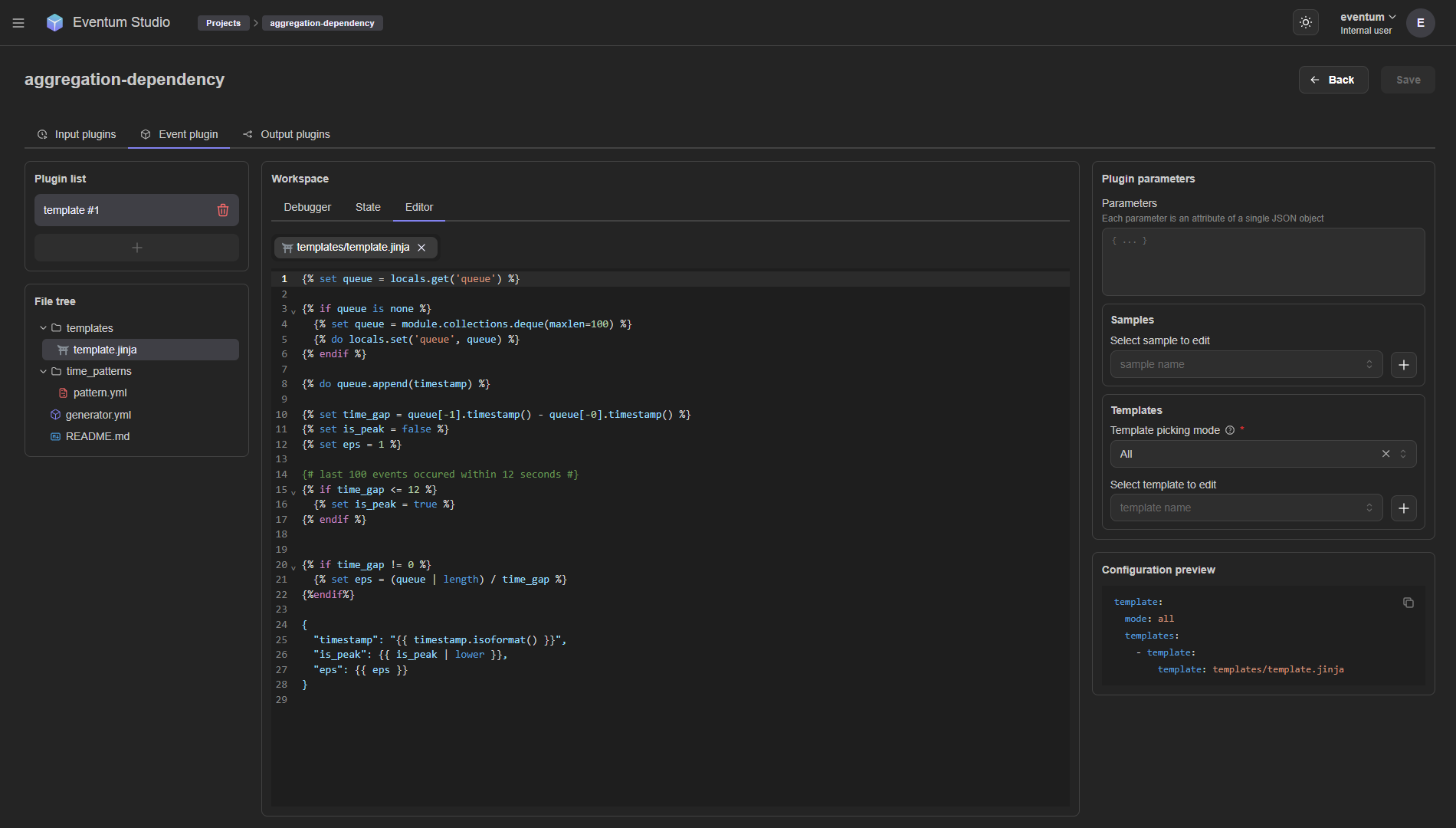
Templates support multiple picking modes for selecting which template to render — from simple random selection to a full finite state machine with conditional transitions.
Python scripts
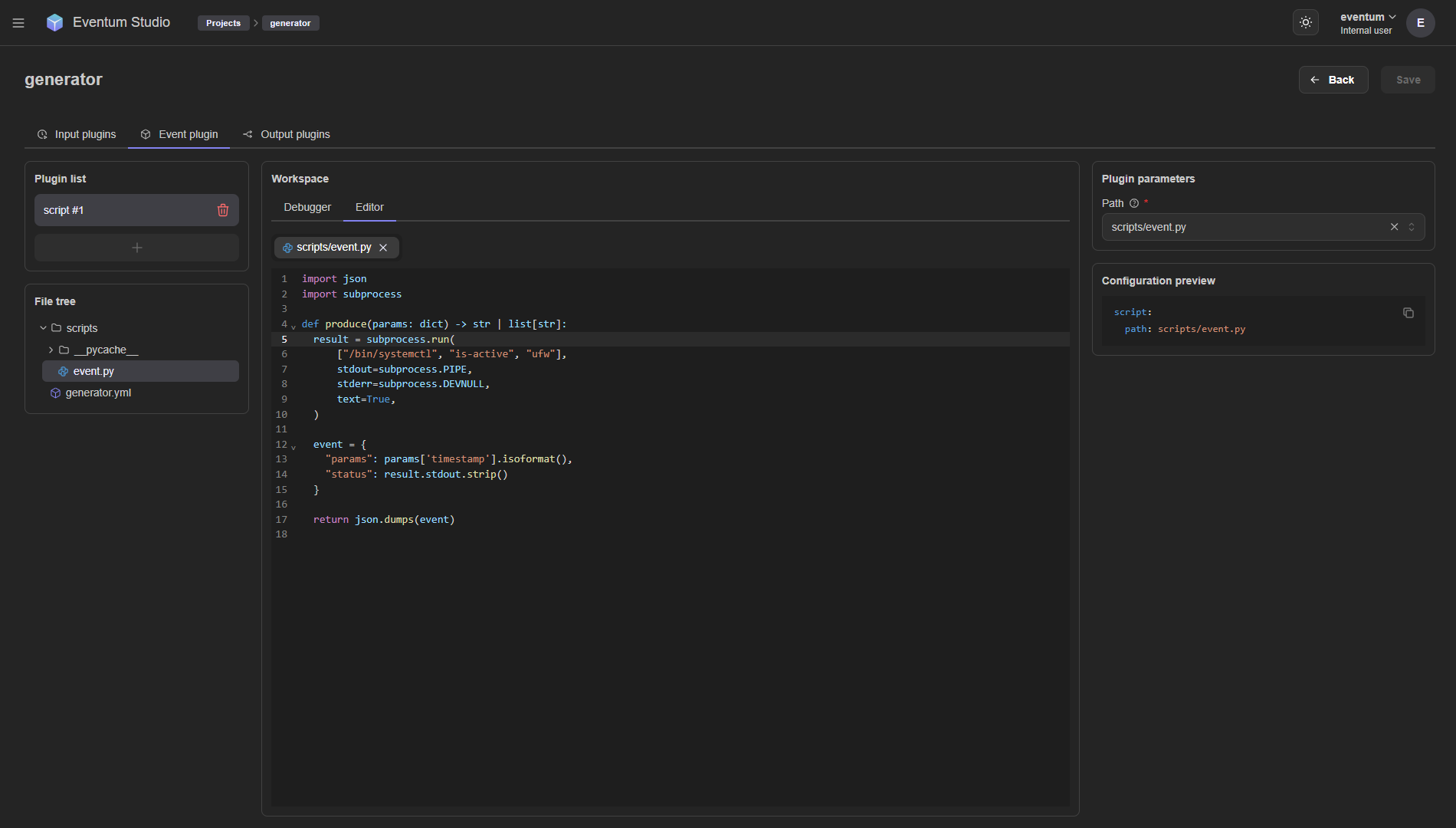
When templates aren't enough, write event logic as a Python script. Your script receives the timestamp, tags, and parameters, and returns one or more event strings. This gives you the full power of Python — external libraries, system calls, database lookups, or any custom logic.
import json
import subprocess


def produce(params: dict) -> str | list[str]:
    result = subprocess.run(
        ['/bin/systemctl', 'is-active', 'ufw'],
        stdout=subprocess.PIPE,
        stderr=subprocess.DEVNULL,
        text=True,
    )

    event = {
        'timestamp': params['timestamp'].isoformat(),
        'status': result.stdout.strip(),
    }

    return json.dumps(event)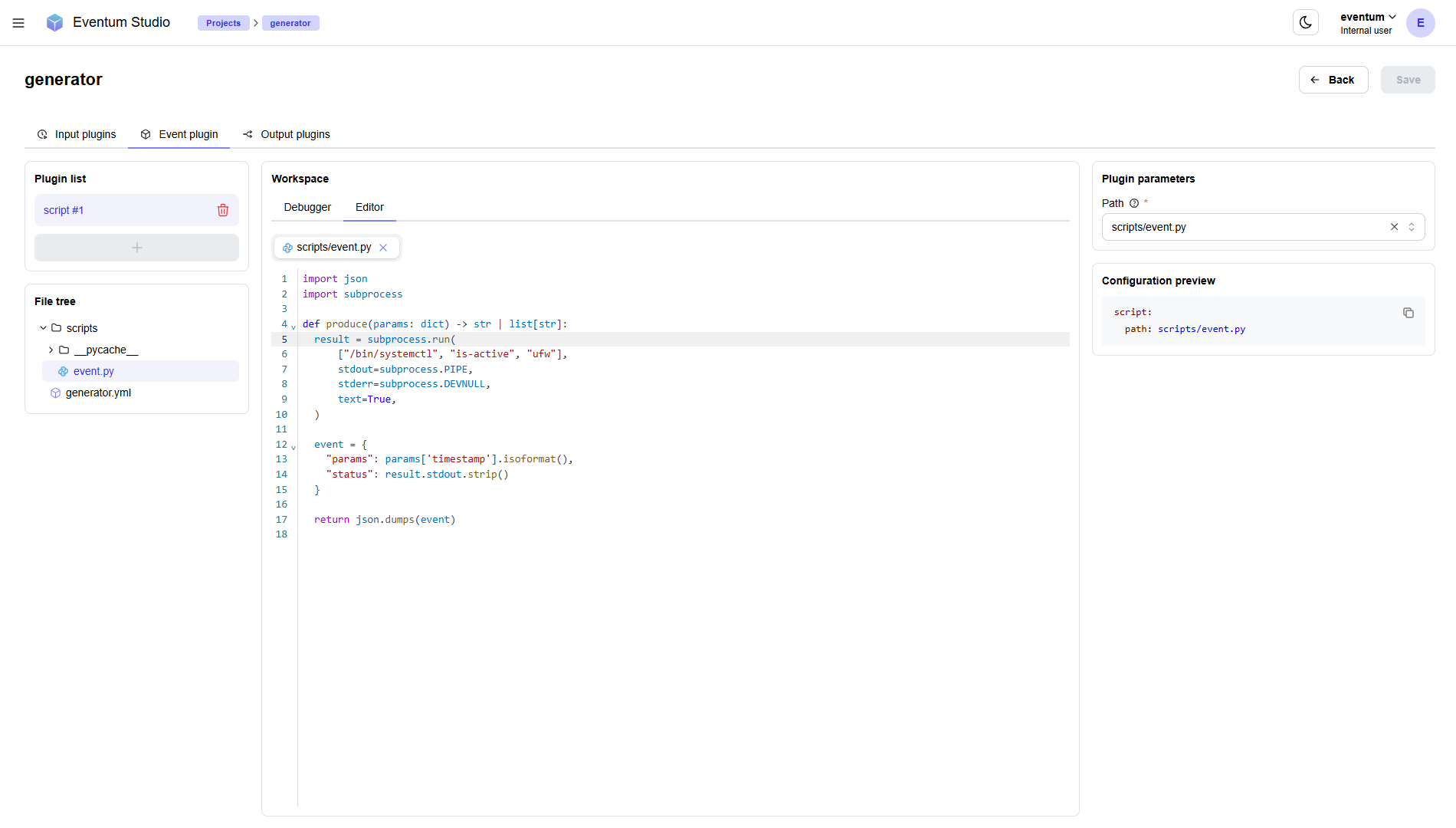
Flexible scheduling
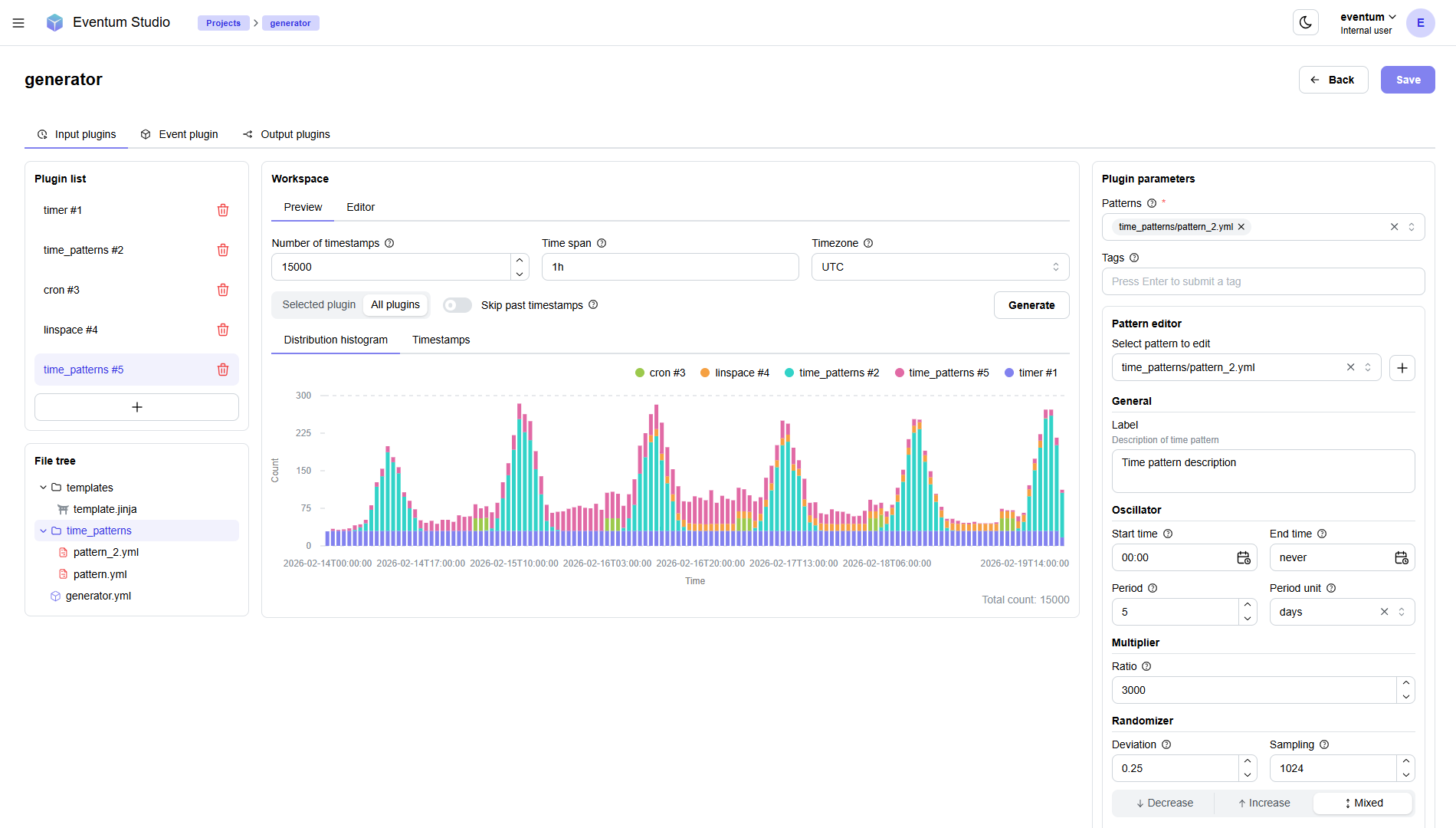
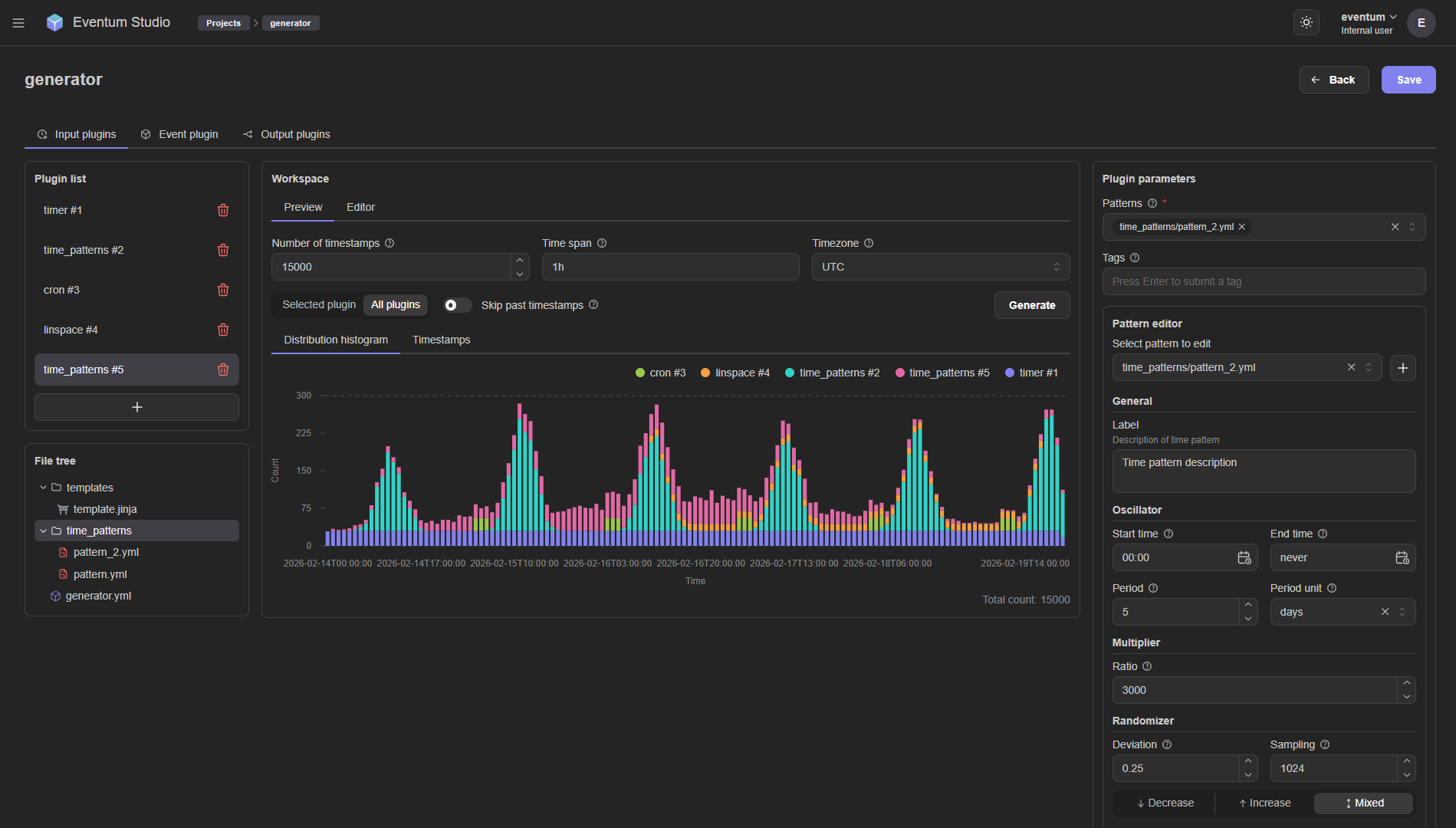
Eventum gives you precise control over when events happen. Choose from several input plugins — cron expressions, fixed intervals, evenly spaced ranges, statistical time patterns, and more.
You can combine multiple input plugins in a single generator — for example, a cron plugin for steady baseline traffic and a time_patterns plugin for periodic spikes. Each plugin can carry tags that propagate to templates, so you can conditionally vary event content based on the source.
Multiple output destinations
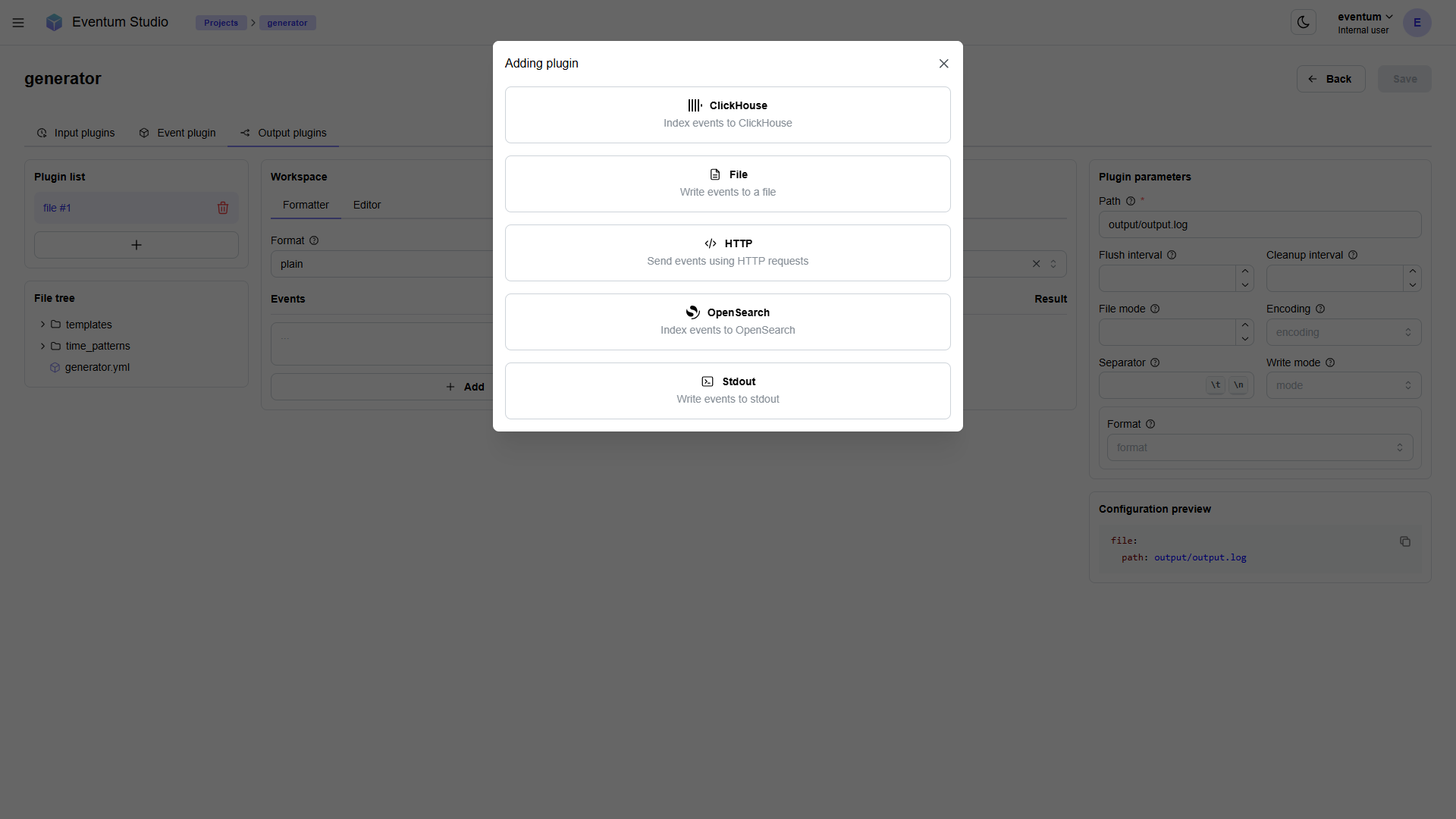
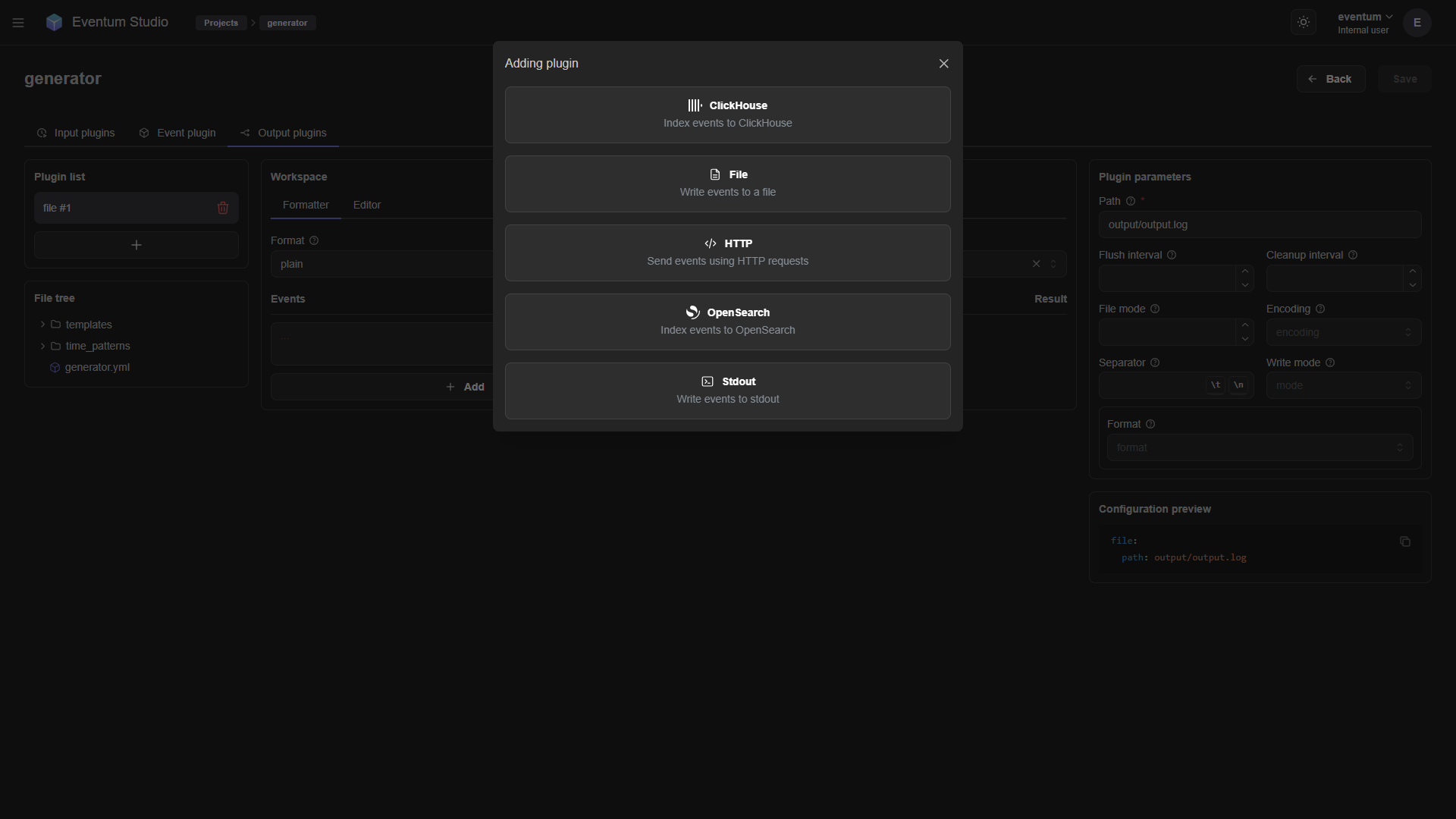
Every generator can send events to one or more output plugins simultaneously. Write to a local file for archival while also pushing to a database for analysis — no duplicated generators needed. Destinations include the console, local files, HTTP endpoints, and databases.
All output plugins support formatters to transform events before delivery. You can also control event ordering — run outputs in parallel for throughput, or serialize them to maintain strict chronological order.
Live and batch modes
Eventum supports two execution modes that cover both real-time streaming and bulk generation:
- Live mode — events are emitted at the exact moments defined by their timestamps, synchronized with the wall clock. This is ideal for simulating real-time traffic, feeding a SIEM, or stress-testing a pipeline with a realistic event rate.
- Batch mode — all events are generated as fast as possible regardless of their timestamps. Use this when you need to seed a database, create a historical dataset, or backfill a time range.
Both modes use the same generator config — switch between them with a single flag:
# Real-time streaming
eventum generate --path generator.yml ... --live-mode

# As fast as possible
eventum generate --path generator.yml ... --no-live-mode
Log replay
Not every event needs to be synthesized from scratch. The replay plugin reads events from an existing log file and optionally substitutes timestamps to make historical data look current. This is useful for reproducing production incidents, replaying known traffic patterns, or migrating data with fresh timestamps.
event:
  replay:
    path: access.log
    timestamp_pattern: '(?P<timestamp>\d{4}-\d{2}-\d{2}T\d{2}:\d{2}:\d{2})'
    timestamp_format: '%Y-%m-%dT%H:%M:%S'
Declarative YAML configuration
Everything in Eventum is configured through YAML files — no code required for most use cases. A generator config wires together an input, event, and output section. A startup config lists which generators to run. A main application config controls the server, logging, and paths.
input:
  - cron:
      expression: "*/5 * * * * *"
      count: 3
      tags: [web]

event:
  template:
    mode: any
    templates:
      - access_event:
          template: templates/access_log.jinja
      - error_event:
          template: templates/error_log.jinja
    params:
      app_name: my-service
    samples:
      countries:
        type: csv
        source: data/countries.csv
        header: true

output:
  - stdout: {}
  - file:
      path: output/events.log
      flush_interval: 1
Generator configs support variable substitution with ${params.name} for user-defined parameters and ${secrets.name} for credentials stored in the secure keyring.
Web UI — Eventum Studio
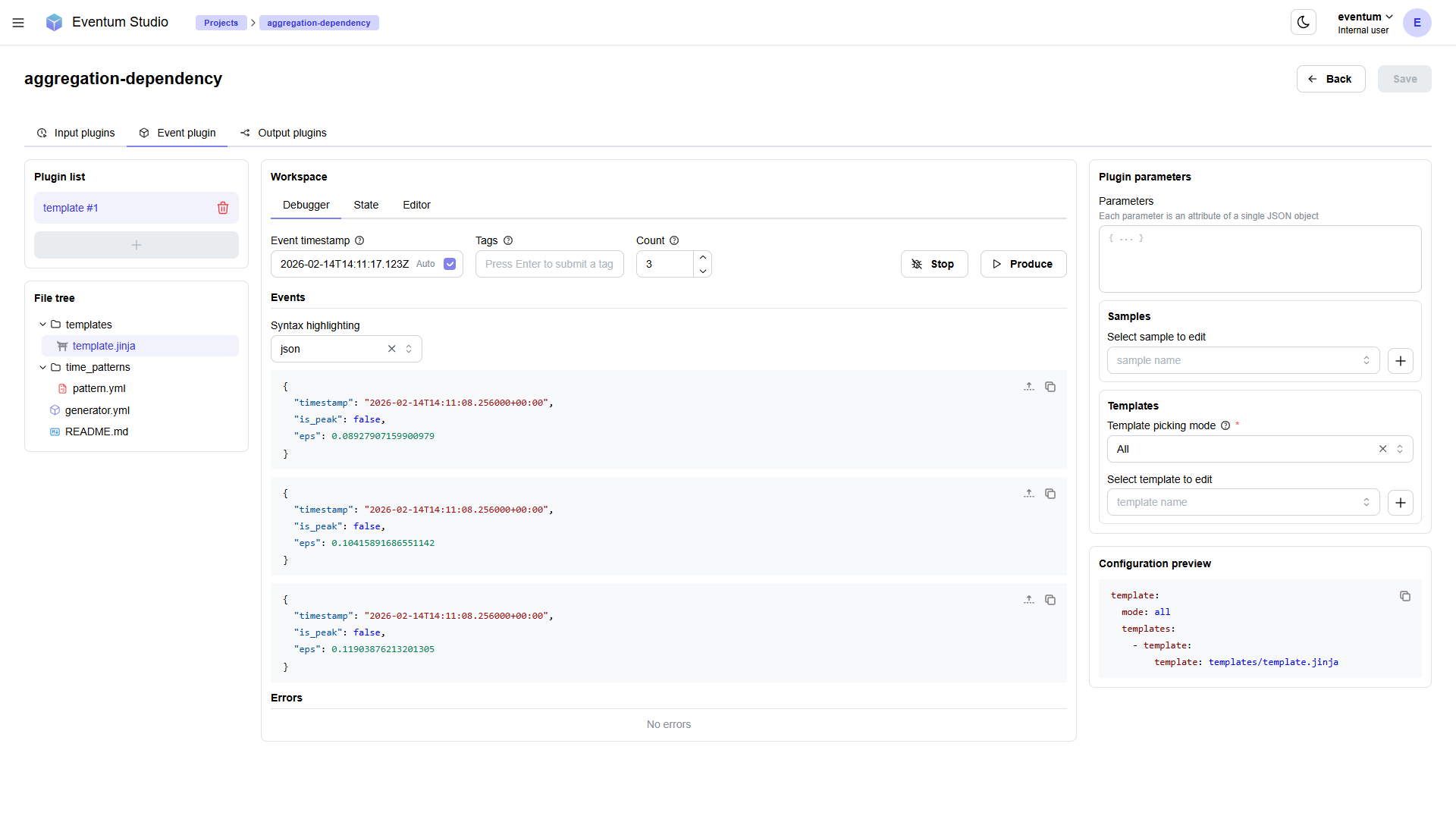
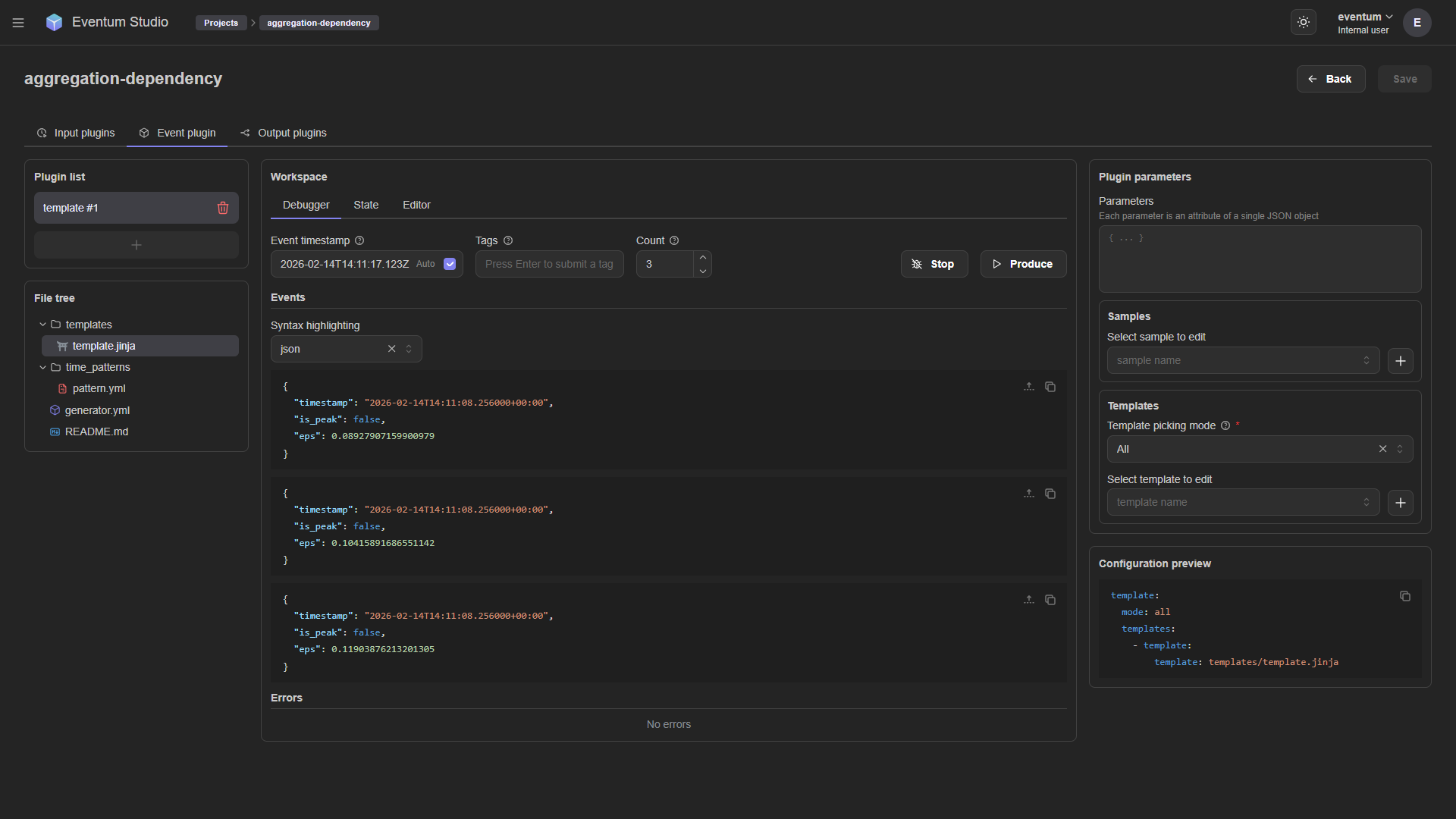
Eventum ships with a built-in web interface called Studio for visual generator management. Studio lets you:
- Browse and edit generator projects
- Configure input, event, and output plugins through forms
- Preview scheduling distributions as histograms
- Edit templates and scripts with syntax highlighting
- Debug event production — render events on demand, inspect output, and catch errors before going live
REST API
Every operation available in Studio is also accessible through a REST API, so you can manage generators programmatically. Start and stop generators, update configs, and query status — all over HTTP.
The API is served alongside the web UI when you run Eventum in server mode:
eventum run -c eventum.ymlSee the API reference for the full list of endpoints.
Secure secrets management
Credentials for output plugins (database passwords, API tokens, TLS certificates) can be stored in an encrypted keyring instead of being hard-coded in config files. Eventum uses keyrings.cryptfile for local encrypted storage.
# Store a secret
eventum-keyring set my_db_password

# Reference it in config
# password: ${secrets.my_db_password}
Scalable by design
Eventum is built for running many generators in parallel. Each generator runs in its own thread with independent input, event, and output pipelines. Backpressure is handled through bounded queues between stages, and you can tune batch sizes, concurrency limits, and write timeouts per generator.
The server process manages the full lifecycle — start, stop, and restart individual generators without affecting others. Signal handling (SIGINT, SIGTERM, SIGHUP) provides graceful shutdown and hot reload.